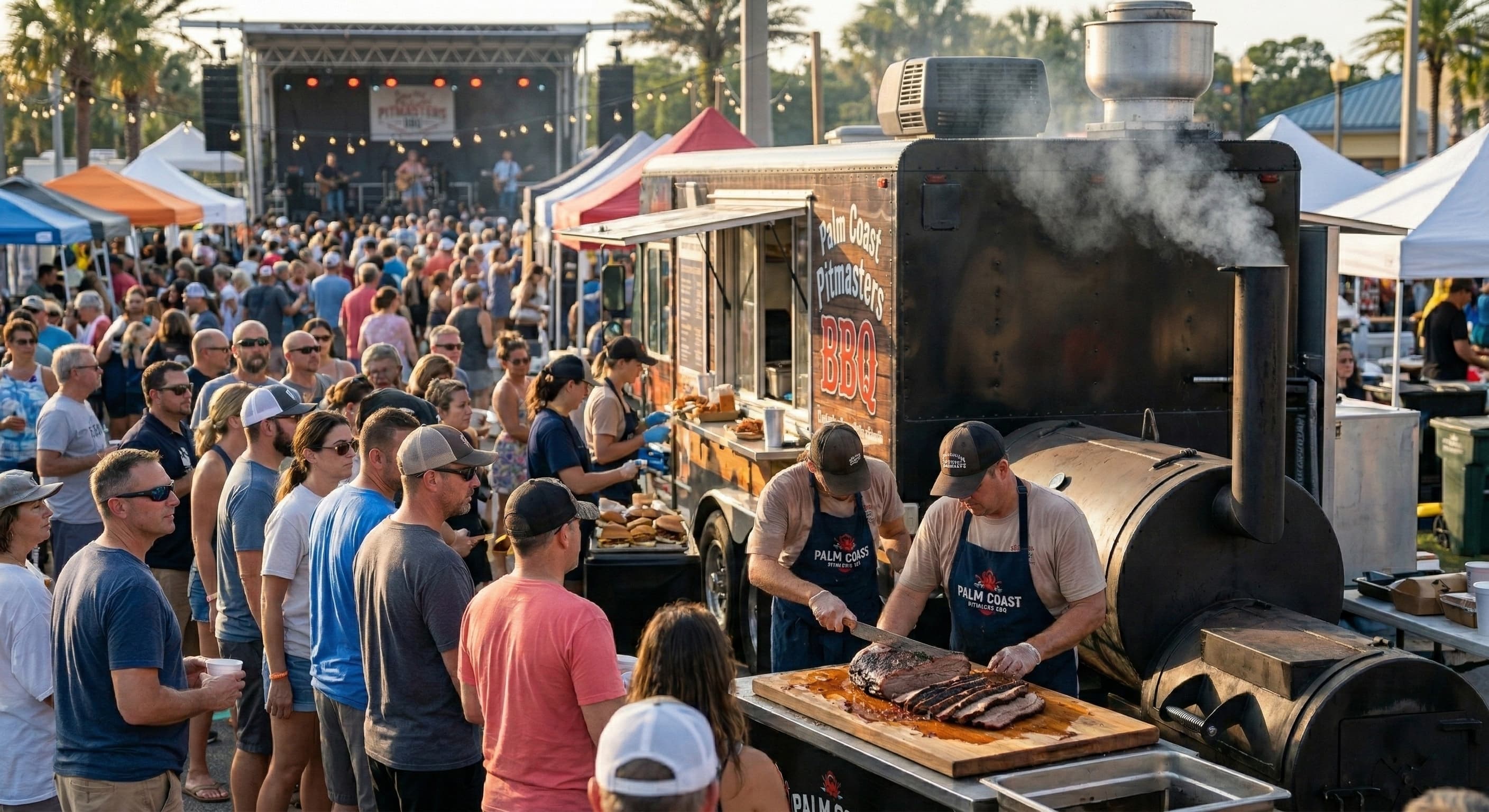
AI SMS automation · for food trucks
Fill your truck before you park —
on autopilot.
VendorLoop’s AI writes your texts and auto-sends them to your regulars before your next stop — so the line’s there before you even park. You just cook.
Start texting the same day — no waiting on carrier approval
It happens at every stop. A great meal, a real compliment, “where will you be next week?” — and then most of those people never come back. They lost track of your schedule. They didn’t see your Instagram story. The brewery night moved.
VendorLoop is built for that exact problem. It gives you a direct line to the customers who already love your food — without relying on the algorithm to reach them.
The one-tap move
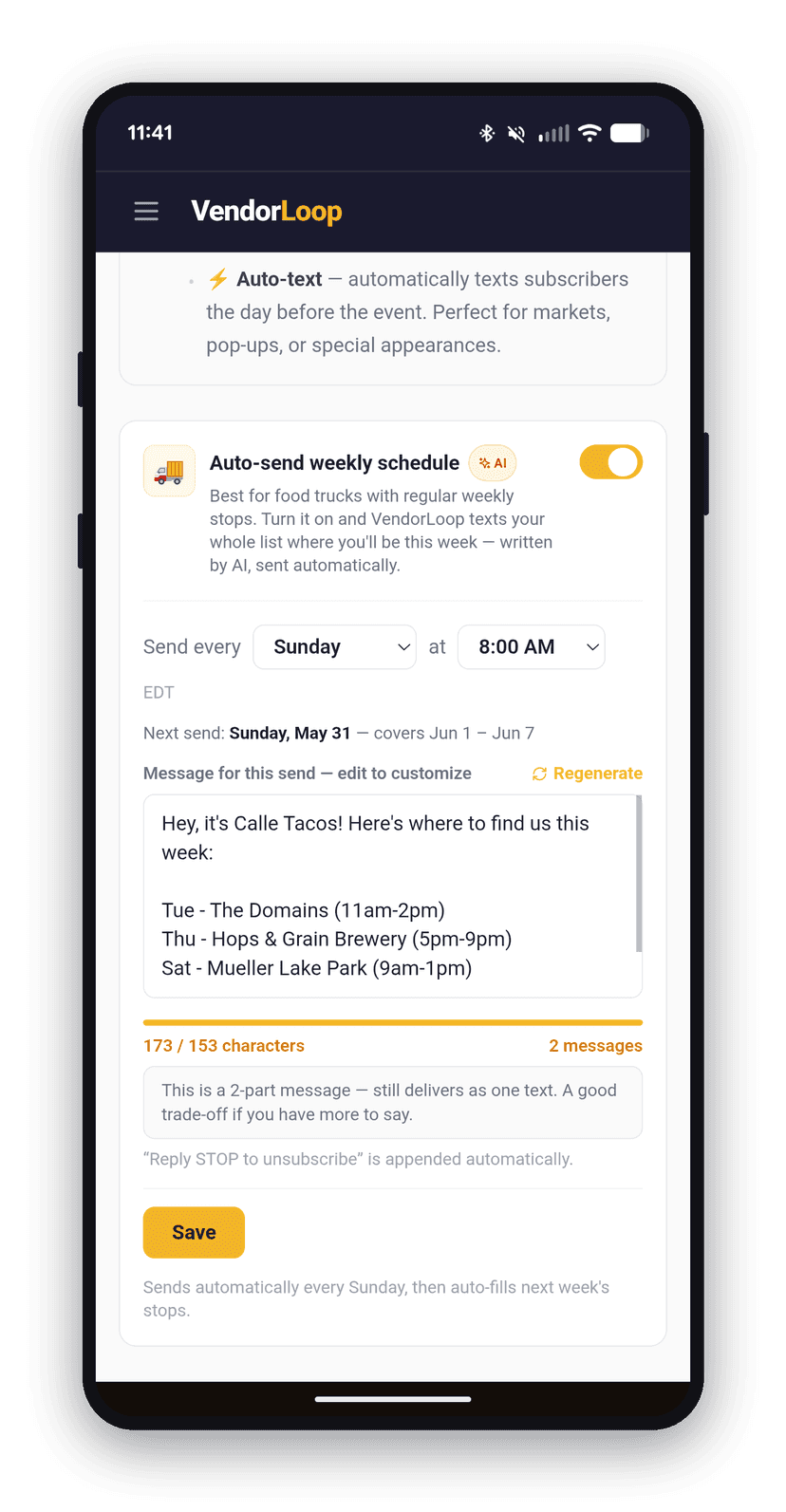
Different spot every day? Text the whole week at once.
Most trucks rotate — brewery Monday, office park Wednesday, the lot on Friday. Your regulars want to come back; they just can’t keep your schedule straight, so they show up the wrong day or give up.
Sunday night, tap once and text your whole list the week’s lineup — every stop, day, and time. The schedule lives in their phone, not buried in an Instagram story from four days ago.
Connect Google Calendar
Already plan the week in Google Calendar? Let it text for you.
Connect it once and the rotation runs itself — every stop you add imports automatically, AI writes the reminder, and it goes out to your regulars the day before. You never retype the week or open the app.
Connect in two clicks
Link Google Calendar once. Add a brewery night or a new lot there and it shows up in VendorLoop on its own — re-syncing through the day so changes keep up.
AI writes each text
Every imported stop gets a ready-to-send reminder with the spot, the city, and the time — drafted automatically. No blank screen.
Day before, hands-free
Turn on auto-text once and the reminder sends itself the day before each stop. Set it and forget it.
And the finder app?
The app that lists where trucks are parked gets you found once. It doesn’t bring anyone back.
You should be on it — it’s how a hungry stranger nearby finds you the first time. But that’s where it ends. They’re scrolling past a dozen other trucks to land on yours, they only see you if they happen to open the app while they’re close, and the moment they close it you’re gone. No number. No name. No way to reach them before next time.
Those customers belong to the app, not to you. So every week you start over, hoping the right people open it at the right moment.
VendorLoop is the other half. The customer who just had your food scans the sticker on the window and now they’re on your list — not a platform’s. Next stop, you text them directly: no app to open, no feed to scroll, no other trucks in the way. Keep using the finder app to get discovered. Use this to make sure they come back.
Instagram isn’t reaching them.
The standard plan is to post a story before each stop. “We’ll be at [brewery] from 5–9 tonight!” with a photo of the truck.
The problem is the algorithm. Instagram only shows posts to a small slice of your followers — usually around 6%. So if you have 1,500 followers, maybe 90 of them see it. A handful actually show up.
The rest tell you at the next stop: “I missed your story — when are you here again?”
your.truck
18 likes
your.truck we’ll be at goose island brewery tonight 5–9!! come hungry 🌮
3 hours ago
You posted to 1,500 followers. ~90 saw it.
Set it up once. It runs itself.
VendorLoop is smart SMS automation built for mobile food businesses — the AI writes your texts and sends them for you. Setup is straightforward:
Step 1
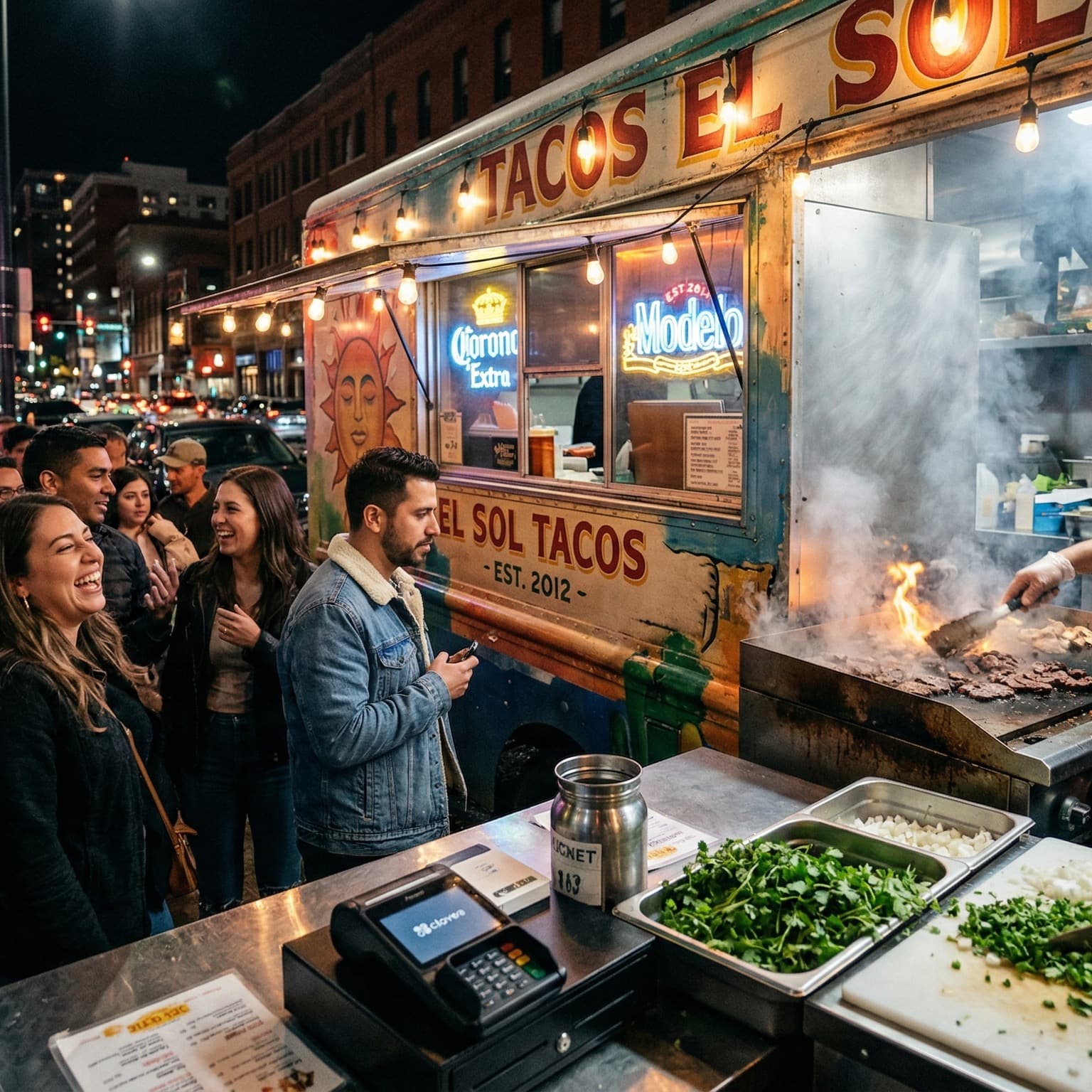
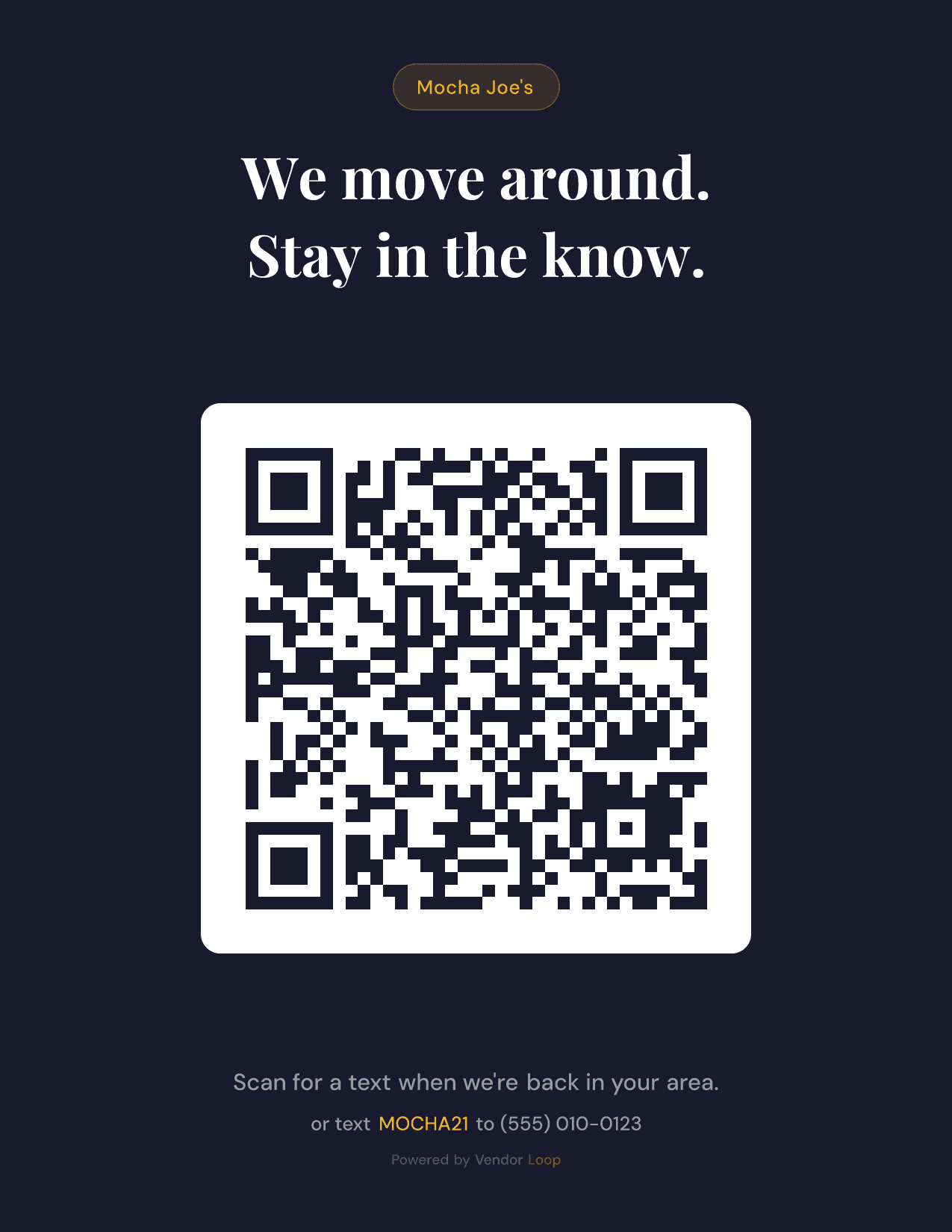
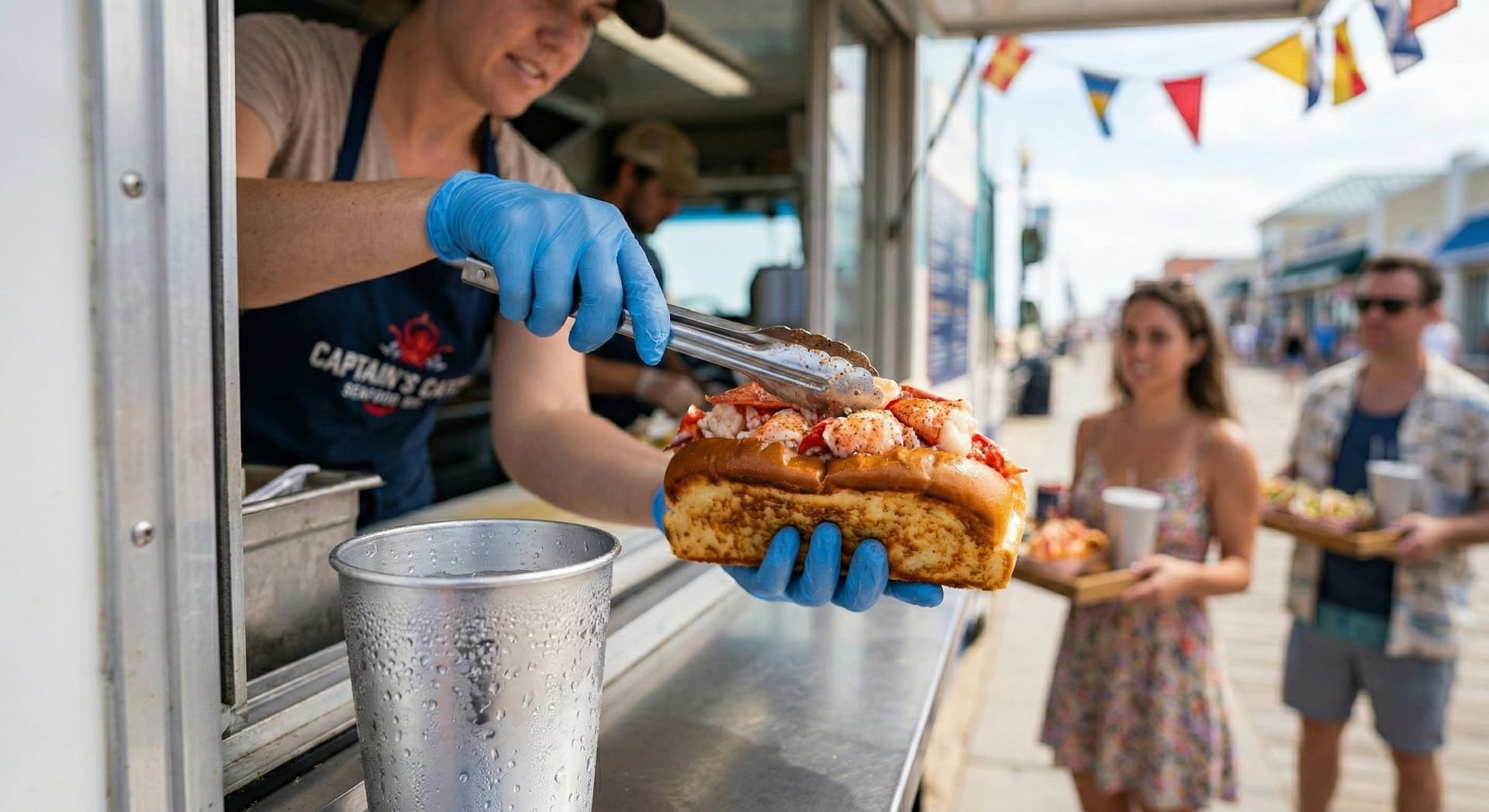
Pick a QR card design. Print it. Stick it on the order window.
You sign up free and pick from 8 ready-to-print designs — each one auto-fills your truck name and keyword. When you’re ready to text, pick a plan and start texting the same day — your truck’s name leads every text while we register your own dedicated number in the background, and your texts switch to it automatically once carriers approve.
Print at home or any copy shop, slap it on the order window or on the side of the truck. That’s the entire physical setup.
Step 2
Customers scan with their camera — no app.
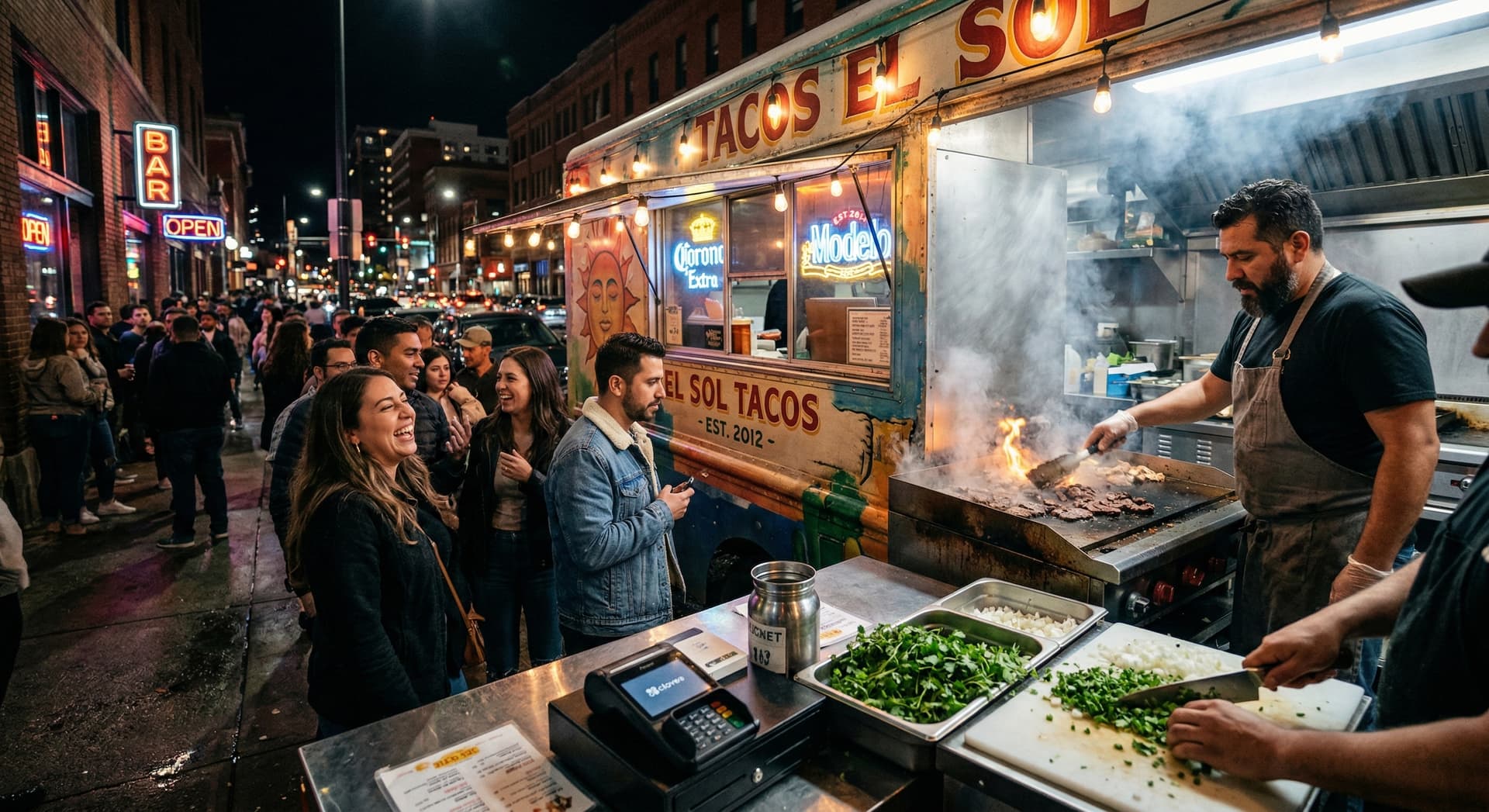
They point their phone’s camera at the QR (same way they’d scan a restaurant menu), tap the link, type their number. They’re on your list while they wait for the order.
Or if they prefer to type — they text a keyword to your number (e.g. “TACOS” or “BBQ” or whatever you pick) and they’re instantly subscribed. Both work; some customers like one, some like the other.
Step 3
VendorLoop texts them — automatically.
Add your stop and flip on auto-text. The AI drafts the message — where you’ll be, what time, what’s on the menu — and sends it to your subscribers before each stop. No algorithm deciding who sees it; texts get opened within the hour. The customers who already wanted to come back finally have a reason on their phone telling them where to go. Texting works from day one — you send through VendorLoop’s verified number while we file the carrier paperwork for your own dedicated number in the background, and your texts switch to it automatically once it’s approved.
Inside the app
Add your stop. The text writes and sends itself.
No CRM jargon, no busywork. VendorLoop’s AI drafts the message and auto-sends it before each stop — you just glance at the dashboard.
Goose Island Tacos
Good afternoon, Goose 🌮
You’re at Goose Island Brewery tonight. 312 subscribers will hear about it.
Subscribers
312
↑ 41 this week
Last text reach
100%
271 / 271 sent
Tonight
5pm
Goose Island · taco menu
New subscribers
View all →Scheduled — Today 4pm
Auto-sendHey, it’s Goose — we’ll be at Goose Island Brewery tonight 5–9pm. Birria tacos + the new al pastor are on tonight.
Tonight
Goose Island Brewery
Thu · 5pm–9pm · Auto-text scheduled
Welcome back, Goose Island Tacos
Here’s what’s set for tonight’s stop.
Subscribers
312
+41 this month
Tip: Put your QR sticker on the order window where the line forms.
Next Reminder
Scheduled
Today at 4:00 PM
Sends in 2 hours
Edit →
Messages This Month
271 of 1,000
19 days left in billing cycle
List Growth This Month
Last Campaign
View all →May 13, 4:00 PM
Hey, it’s Goose — we’ll be at Goose Island Brewery tonight 5–9pm. Birria tacos + the new al pastor are on tonight.
That’s the actual dashboard — your subscribers, your AI-written text, and your next stop, already scheduled to send on its own.
What changes when you start.
Most trucks pick up 30–60 subscribers in their first week with the QR sticker on the order window. By a couple months in, you have a list of regulars who actually show up where you tell them.
The difference at the window is real. Customers who’d only stopped by once will roll in and say “I drove out specifically because of your text.” They show up the right night, at the right brewery, because you told them where to be.
It’s not magic. It’s just a more direct line to the people who already wanted to hear from you. That’s the whole thing.
Two ways customers can join.
Both done in seconds while their order is up. Customers pick whichever feels easier.
QR sticker on the window
Print one of the included QR card designs and stick it on the order window or the side of the truck. Customers point their phone camera at it, tap once, enter their number. They’re on your list before their order is up.
Text a keyword
Some customers prefer to type. Put your keyword on the menu board — they text it to your number and they’re instantly subscribed. Hands-free for you, easy for them.
What’s included.
- AI writes your texts — give it your stop and it drafts a ready-to-send message
- Your own dedicated phone number — same number every stop
- 8 print-ready QR card designs you can download
- A text keyword customers can text to subscribe
- Auto-send a text before each stop — or send on demand anytime
- Sync your Google Calendar — your stops import automatically, no double entry
- Unlimited subscribers on every plan, including the free one
- Accept Venmo, Cash App, Zelle, or card — payments go to you, no platform fees
What it costs.
Free to start — collect subscribers and try the dashboard at no cost. SMS plans start at $29/month when you’re ready to send texts. No contracts, cancel anytime.
See full pricing →Want to try it?
Make a free account and get your QR code. Stick it on the truck and start collecting subscribers at your next stop. When you’re ready to text, pick a plan and send your first text the same day — we register your own dedicated number for you in the background.
Start freeStart texting the same day — no waiting on carrier approval
Frequently asked
Does VendorLoop work for food trucks?+
Yes — it's one of our two primary audiences. Food trucks use VendorLoop to text customers their daily location, schedule changes, and specials before they sell out. Operators with 200+ subscribers typically pull 30-50 extra orders per service from a single blast.
Is VendorLoop free?+
Yes — VendorLoop has a free tier that includes unlimited QR code signups, your subscriber list, and your event schedule, with no card required. Texting is the paid part: when you're ready, pick a plan and start texting the same day — no waiting on carrier approval. Starter is $29/month for 1,000 messages, Growth is $59/month for 2,500, and Pro is $99/month for 5,000. No free trial because the free tier is the trial — use it as long as you need before picking a plan to text.
How do customers join my list?+
Two ways. (1) They scan a QR code at your booth, truck window, or counter — no app, no typing, opt-in in under 10 seconds. (2) They text your keyword (like JOIN or HONEY) to your dedicated number, which works anywhere — IG bio, business cards, even printed on your napkins.
What's a toll-free number and why do I need one?+
It's a dedicated phone number (starting 8XX) that's used only for your business's texts. Phone carriers require it so customers can opt out cleanly and you don't get filtered as spam. We file the carrier paperwork for you in the background — and you don't wait on it: from day one your texts go out through VendorLoop's verified number with your business name leading every message, then switch to your own dedicated number automatically once carriers approve it (usually a few days).
How is VendorLoop different from SlickText or other SMS tools?+
Generic SMS tools charge $29/month for around 500 messages and don't know what an event is. VendorLoop is purpose-built for mobile vendors: it tracks your upcoming markets, fires reminder texts automatically when each event approaches, and gives every customer a public 'where are they next' page. Same starting price ($29) for double the messages (1,000) and the workflow shaped around how food trucks and craft vendors actually operate.
How long does setup take?+
Five minutes to register, print your QR code, and add your first event. You can collect subscribers same-day — and text them same-day too: pick a plan and you're sending right away through VendorLoop's verified number, no waiting on carrier approval. We register your own dedicated number in the background, and your texts switch to it automatically once carriers approve it (usually a few days).